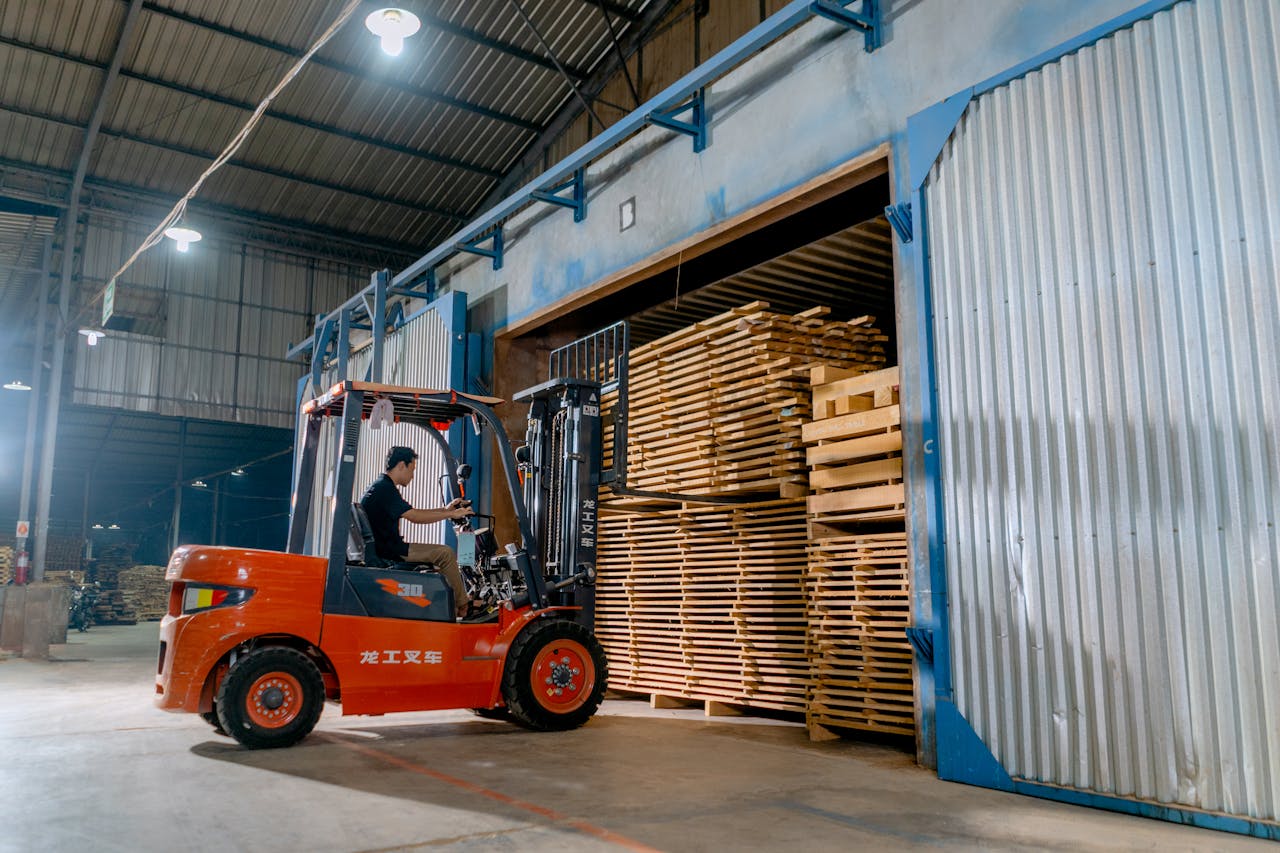

Managing production, inventory, and a complex supply chain using separate, disconnected tools leads to inevitable delays, stockouts, and costly errors. When the sales team promises a delivery date without knowing the current capacity of the assembly line, the resulting friction can damage customer trust and eat away at profit margins. Microsoft Dynamics 365 Business Central offers a unified solution, acting as a digital backbone for manufacturers who need to synchronize their back-office finances with their front-line production. In this guide, you’ll learn how Business Central helps streamline manufacturing operations and turn production chaos into a competitive advantage.
What Is Business Central for Manufacturing?
Business Central for manufacturing is an all-in-one ERP (Enterprise Resource Planning) system specifically tailored to handle the unique complexities of the factory floor. Unlike basic accounting software, it provides a 360-degree view of the business, connecting production planning, inventory management, supply chain logistics, and financial reporting.
The key idea is to move away from “information silos.” Instead of checking three different systems to see if you have enough raw materials to fulfill an order, Business Central provides one single platform to manage end-to-end operations. It is designed to scale with your business, whether you are a small workshop or a growing multi-site factory.
Key Manufacturing Features in Business Central
To master production, you need more than just a list of items. Business Central provides specialized tools for every stage of the manufacturing lifecycle.
3.1 Production Planning
The system allows you to plan and schedule manufacturing orders based on current demand and resource availability. You can use demand forecasting to predict future needs, ensuring that your machines and labor are never sitting idle.
3.2 Bill of Materials (BOM)
Think of the BOM as the “recipe” for your products. You can define every raw material, sub-assembly, and component required for a finished good. The system tracks usage in real-time, automatically deducting items from inventory as they are consumed on the shop floor.
3.3 Inventory Management
Stop the “we thought we had it” syndrome. Business Central provides real-time stock tracking across multiple locations. By setting reorder points, the system helps you avoid both expensive overstocking and the production halts caused by sudden shortages.
3.4 Shop Floor Control
Monitoring progress is vital for maintaining delivery schedules. You can track work orders in real-time, seeing exactly which stage of production a product is in—whether it’s in assembly, quality control, or packaging.
3.5 Supply Chain Management
Automate your procurement by linking it directly to your production needs. When a manufacturing order is created, the system can automatically generate purchase orders for the required raw materials from your preferred vendors.
How Business Central Improves Manufacturing Workflow?
The true power of an integrated system is the seamless flow of data. Consider this automated workflow:
- Order Received: A sales order is logged in the system.
- Production Planned: The system automatically checks capacity and schedules a manufacturing order.
- Materials Allocated: The BOM identifies required parts; if they aren’t in stock, a purchase order is triggered.
- Manufacturing: Shop floor staff update the status of the build in real-time via mobile or tablet.
- Delivery: Once the item is finished, the inventory is updated, the customer is notified, and the finance module generates an invoice.
This end-to-end visibility eliminates the need for manual check-ins and ensures that everyone—from the warehouse to the front office—is working from the same live data.
Benefits for Manufacturing Businesses
Implementing ERP for manufacturing provides several tangible returns on investment:
- Improved Efficiency: Eliminates manual data entry and “spreadsheet shuffling.”
- Reduced Errors: Automation ensures the right parts are ordered for the right builds.
- Better Resource Planning: Optimize machine usage and labor hours to reduce overhead.
- Faster Production Cycles: Streamlined workflows lead to quicker turnaround times for customers.
- Real-time Insights: Instant access to profit margins per production run and overall factory performance.
Real-Life Use Case: The Growing Furniture Factory
Imagine a small furniture manufacturing unit that receives a bulk order for 500 designer chairs.
Without Business Central, the manager might spend two days manually checking timber stock and fabric availability. With Business Central, the system instantly checks current inventory and identifies that they are short on mahogany. It generates a production plan, calculates the estimated completion date, and sends an automated purchase order to the timber supplier. As chairs are built, the system tracks progress and updates the financial records automatically, allowing the owner to see the exact cost-per-unit in real-time.
Challenges and Considerations
While the benefits are high, a successful implementation requires a strategic approach. It is important to account for:
- Implementation Time: Setting up a full manufacturing ERP can take several months.
- Training Required: Your shop floor and office staff will need time to learn the new interface.
- Initial Cost: While it saves money in the long run, the upfront software and consulting fees can be significant.
- Customization Needs: You may need to tailor the system to your specific manufacturing niche (e.g., chemical, textile, or electronics).
Modern ERP vs. Traditional Systems
| Feature | Manual/Traditional Systems | Business Central Manufacturing |
| Data Flow | Disconnected tools and paper | Fully integrated digital thread |
| Inventory | Manual counts and “best guesses” | Real-time, multi-location tracking |
| Planning | Reactive (fixing problems later) | Proactive (forecasting and scheduling) |
| Insights | Delayed reports (end of month) | Instant dashboards and live KPIs |
Is Business Central User Friendly for First Timers?
For someone stepping into an ERP for the first time, Microsoft Dynamics 365 Business Central offers one of the most approachable interfaces on the market because it shares the same “DNA” as Microsoft 365. If you are already comfortable with Outlook or Excel, the clean, web-based layout will feel instantly familiar rather than intimidating. The system uses Role Centers, which act as personalized homepages that filter out unnecessary noise, showing you only the buttons and data relevant to your specific job. While the underlying power of an ERP is vast, the “Tell Me” search feature acts as a universal GPS—if you don’t know where a setting is, you simply type it in. It effectively balances “pro-level” functionality with a “consumer-grade” feel, making it intuitive enough to navigate on day one, though a quick guided tour is always recommended to master the deeper workflows.
Conclusion
Business Central manufacturing simplifies the complex dance of production by bringing all your moving parts into one central hub. It removes the guesswork from inventory, the friction from scheduling, and the delays from procurement. For small to mid-sized manufacturers looking to scale efficiently without losing control, an integrated ERP is no longer a luxury—it is a necessity for long-term survival.
Explore if Business Central fits your manufacturing needs and start building a more efficient factory floor today.