Imagine managing your sales on one spreadsheet, your inventory on a separate piece of software, and your accounting in a physical ledger. This fragmented approach inevitably leads to confusion, manual errors, and hours of wasted time. In a fast-paced market, these “data silos” are the silent killers of growth. This is where Enterprise Resource Planning (ERP) comes in. An ERP system acts as a bridge, connecting every corner of your company into one fluid operation. In this guide, you’ll understand what ERP is, how it works, and why it has become the standard for modern business management.
What Is an ERP System? (The “Brain” Analogy)
In plain language, an ERP is a software suite that manages all your core business activities in one single place. Instead of having five different programs that don’t talk to each other, you have one unified platform where information flows freely between departments.
Here are the most common pain points that signal a business has outgrown its current setup:
1. “Excel Hell” (Data Fragmentation)
When every department has its own “master” spreadsheet, no one actually knows the truth.
- The Pain: Sales says they sold 100 units, but Inventory says they only have 20, and Finance is still waiting for the invoices.
- The Result: Hours are wasted in meetings just trying to agree on which number is correct.
2. The “Blind Management” Problem
If a CEO asks, “What is our exact profit margin as of this morning?” and the answer takes three days to generate, there is a lack of visibility.
- The Pain: Relying on “gut feelings” or outdated reports from last month because real-time data is impossible to pull.
- The Result: Slow decision-making that allows competitors to move faster.
3. The “Manual Entry” Efficiency Drain
If your staff is busy copy-pasting data from an email into an accounting tool, and then again into a shipping log, you are paying for “human bridges.”
- The Pain: High rates of human error (typos, lost entries) and a demoralized staff doing “robot work.”
- The Result: High operational costs and a higher risk of costly data blunders.
4. Poor Customer Experience (CX)
In a world of Amazon-speed expectations, customers won’t wait for you to “check with the warehouse.”
- The Pain: A customer calls to check their order status, and the service rep has to put them on hold to call three different people.
- The Result: Lost trust, negative reviews, and high customer churn.
5. The “Growth Ceiling”
Many businesses reach a point where they physically cannot take on more clients because their manual processes are at a breaking point.
- The Pain: Adding more customers currently means adding more stress and more administrative staff, rather than more profit.
- The Result: The business plateaus because it lacks the “digital infrastructure” to scale.
Why Businesses Need ERP?
The contrast between a company with an ERP and one without it is stark. Without an ERP, data is scattered, communication is poor, and duplicate work is common. You might sell a product online that is actually out of stock in the warehouse because the two systems aren’t synced.
With an ERP, systems are connected. This leads to faster workflows and significantly better decision-making. For example, the moment a sale is made, the ERP automatically updates the inventory count, generates a billing invoice, and logs the transaction in the accounting module. There is no manual data entry required, which slashes the chances of human error and keeps the business moving at the speed of thought.
What Does an ERP System Actually Do?
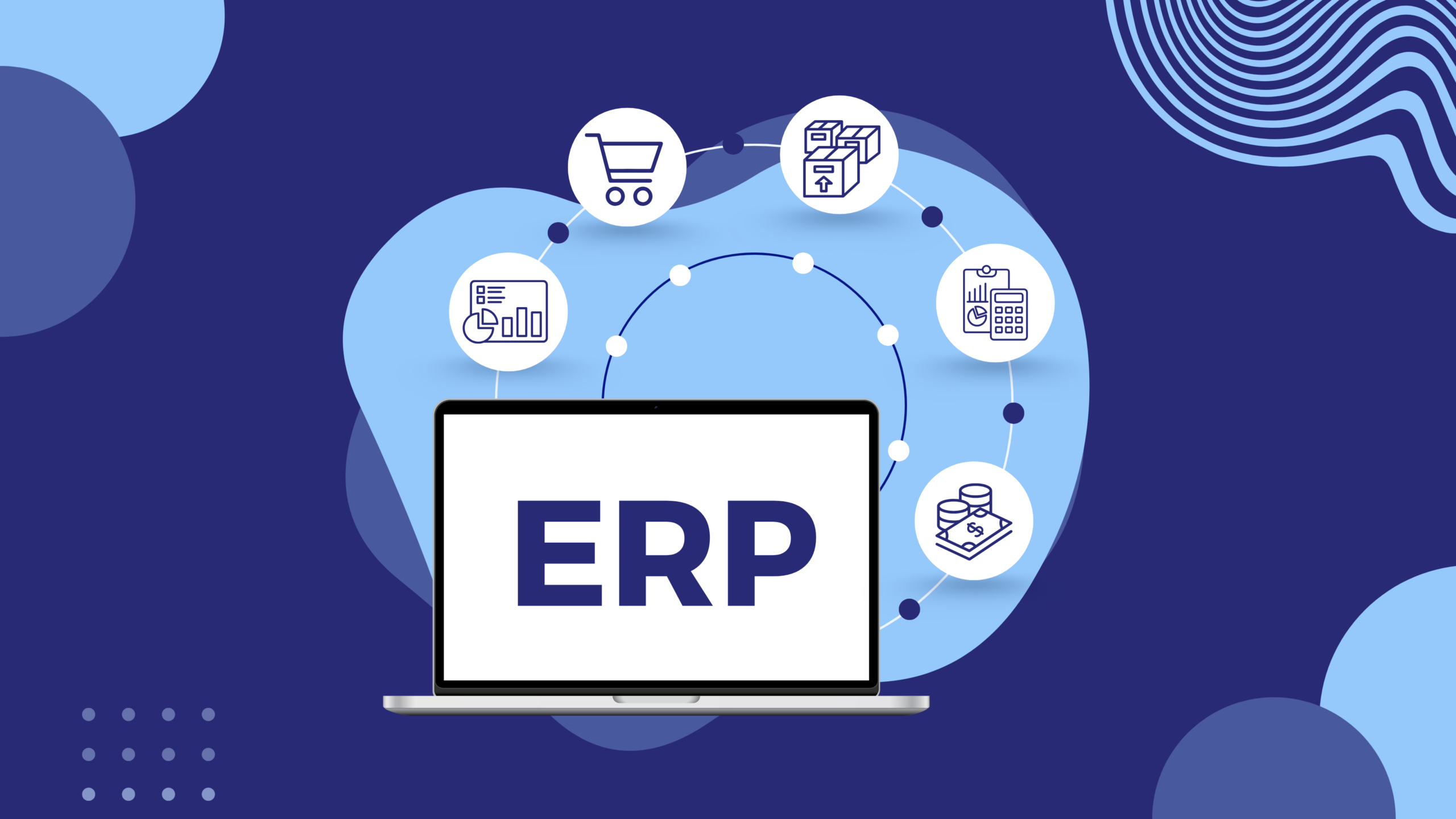
An ERP isn’t just for one department; it handles multiple business operations simultaneously. While every system is customizable, most include these core functions:
- Accounting & Finance: Manages your cash flow, balance sheets, and tax compliance.
- Inventory Management: Tracks stock levels in real-time across multiple locations.
- Sales & CRM: Records customer interactions and manages the sales pipeline.
- Human Resources (HR): Handles payroll, employee records, and recruitment.
- Purchasing & Supply Chain: Automates orders to suppliers when stock is low.
- Reporting & Analytics: Turns raw data into visual dashboards for management.
By housing these functions under one roof, the ERP ensures that a change in the supply chain is immediately visible to the finance team, allowing for perfect departmental alignment.
ERP Modules Explained
Think of an ERP like a “base unit” with several “apps” or modules inside it. The beauty of modern ERP software is its modularity; you don’t have to buy the whole “store” if you only need a few aisles.
Common modules include the Finance Module, HR Module, and Inventory Module. A service-based startup might only need the CRM and Finance modules, while a large manufacturer would plug in a Supply Chain Module. This “plug-and-play” nature allows businesses to choose only the features they need today while staying confident that they can add more modules as the company scales.
Who Uses ERP Systems?
There is a common myth that ERPs are only for global giants with thousands of employees. In reality, ERPs are for everyone.
- Small Businesses & Startups: Use them to stay organized and professional from day one.
- Medium Companies: Use them to manage increasing complexity and team sizes.
- Large Enterprises: Use them to coordinate global operations across different time zones and currencies.
From the Accountant who needs to close the books faster to the Operations Manager who needs to track a shipment, every role benefits from the transparency an ERP provides.
A Real-Life Example: The Clothing Business
Let’s look at a clothing brand to see how this works in practice. Without an ERP, a customer places an order, and the sales team has to call the warehouse to see if the item is there.
How ERP Improves a Field Service Executive’s Workflow?
Imagine a field service executive named Steve who works for an appliance repair company.
❌ Without an ERP System:
- Ravi gets job details via phone calls or WhatsApp
- Customer address or issue details are often incomplete
- He has to call the office multiple times for updates
- No clear record of previous service history
- After the job, he manually reports back
- Billing and payment tracking are delayed
👉 Result: Confusion, delays, and unhappy customers
✅ With an ERP System:
- Ravi receives job assignments directly on a mobile app
- Customer details, location, and service history are already available
- He gets optimized routes for faster travel
- Can update job status in real-time (started, completed, pending)
- Can upload photos or notes instantly
- Invoice is generated automatically after job completion
- Payment status is updated in the system
👉 Result: Faster service, fewer errors, and better customer experience
Everything happens in one system, automatically, without a single frantic phone call.
Types of ERP Systems
There are three main ways to deploy an ERP, depending on your company’s technical needs and budget:
- Cloud ERP: This is the most popular modern choice. It runs online, requires no physical server installation, and is usually paid for via a monthly subscription. It is highly scalable and accessible from anywhere.
- On-Premise ERP: This software is installed on your company’s own internal servers. It offers more control and data privacy but comes with higher upfront costs and requires an in-house IT team for maintenance.
- Hybrid ERP: A mix of both, where some data is kept on-site while other functions run in the cloud.
There are many levels of ERP that makes an organisation’s staff efficient.
The Benefits: Why Make the Switch?
The primary goal of an ERP is to drive business growth by removing friction. According to research by Nucleus Research, the average ROI for a CRM/ERP implementation can be as high as $8.71 for every $1 spent. Key benefits include:
- Efficiency: Automating boring, repetitive tasks.
- Real-Time Data: Making decisions based on what is happening now, not last week.
- Error Reduction: Eliminating the “copy-paste” errors that happen between different spreadsheets.
- Improved Collaboration: Breaking down walls between departments so everyone works toward the same goal.
Challenges to Consider (The Honest Truth)
While the benefits are massive, it is important to build trust by acknowledging the hurdles. Deploying an ERP is a significant project. It takes time to implement—often several months for larger organizations. It also requires employee training, as people are often resistant to changing their old habits. Finally, the initial cost can be high, especially for on-premise systems. However, these are “growing pains” that result in a much stronger, more stable business in the long run.
When Does a Business Need an ERP?
How do you know it’s time to move beyond spreadsheets? Look for these signs:
- You are using too many different tools to manage the same business.
- Your data is disorganized, and finding a simple report takes hours.
- Your teams are not aligned, leading to frequent miscommunications.
- Your business is scaling fast, and your current manual processes are breaking under the pressure.
If you find yourself nodding to these points, you have outgrown your current setup.
Comparison: Life With vs. Without ERP
| Feature | Without ERP | With ERP |
| Data Source | Scattered spreadsheets | One central database |
| Workflow | Manual and slow | Automated and fast |
| Inventory | Often inaccurate | Real-time accuracy |
| Reporting | Guesses and delays | Instant, accurate insights |
Conclusion
An ERP system is the central nervous system of a modern business, managing everything from your bank balance to your warehouse shelves. By creating a unified environment, it helps businesses become more efficient, less prone to error, and ready to scale. What is an ERP system? It is the tool that turns a chaotic group of departments into a single, high-performing machine.